Why AI video needs a model sheet: settle the design in stills first
Two takes of one crashed saucer came back as two different craft. A model sheet fixes the design before any video renders.
One of our test projects has two scenes. In the first, a saucer has crashed beside a lake. In the second, a boat crosses the lake with the saucer visible on the far shore. Both scenes were rendered with the same reference photo of the lake and the same shared notes about the saucer: smoke, an open hatch, damage, no figures.
The two takes came back as two different craft. In the first, the saucer is a round disc with a raised dome, dark gunmetal, tilted on the forest floor among the trees, well back from the water. In the second, it is an angular, faceted hull with a row of windows, beige and grey, sitting on bare rocks at the water’s edge.
Every fact we had written down held in both takes. The facts that differed were the ones we had not written down: what the craft looks like and where it sits. Its whole design description was “metallic flying-saucer-shaped”, so each render made up its own design.
A render invents whatever the picture does not pin down
Text under-specifies appearance, and every render fills the gap independently. Rewriting the prompt to be more specific is one response, but each attempt is a video render to find out whether the words worked. A Veo 3.1 clip cost us $1.60 and an Omni Flash clip $0.52, and a generated still cost about $0.04 at list price and came back in about fifteen seconds (our provider cost at the time of the runs, not a retail price; see the fidelity report). Deciding the design in stills costs $0.04 an attempt instead of $0.52 to $1.60.
So we moved the decision into stills, and we made the still a specific kind of image.
What a model sheet is
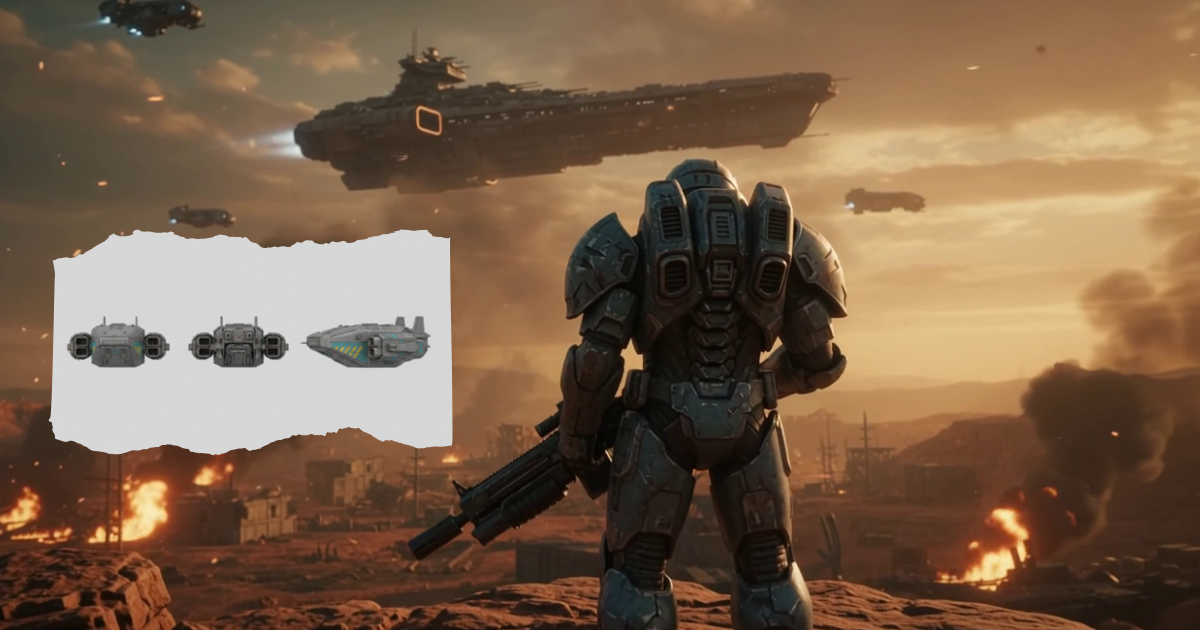
In animation and visual effects, a model sheet is a reference drawing of one character or object from several angles, so that everyone who draws it draws the same thing. A Lunar Canoe model sheet is a generated still with a fixed layout: the same subject four times in one row (front, side, back, and a three-quarter view from slightly above), at the same scale, on a plain light-grey background, with no scenery, ground, other objects or text.
You write only the subject: shape, proportions, colours, materials, markings, damage. The app supplies the layout. We fixed it rather than leaving it to the prompt because the sheet’s only job is to be a clean reference. Anything else in the frame, such as a ground plane, scenery or a caption, gets copied into every still that uses the sheet as a reference. The outputs are named “the saucer (model sheet)”, so a later prompt that refers to one says what it is.
If the subject already appears in a rendered take, the Director samples a frame from that take and gives it to the sheet as a reference. The sheet then matches footage you have already seen instead of inventing a new design.
From sheet to scene
A sheet is not a shot, so it is the start of the workflow and not the end. The Director follows four steps, one proposal per turn:
- A sheet for each subject the story depends on, made as soon as the subject is introduced. The first version of the rule keyed on a subject recurring across scenes, which misses the project above. It grew one scene at a time: a rule that waits for a second appearance skips the saucer while it has one scene, and by the time it has two, the first render has already fixed a look nobody chose.
- One key still per camera setup. “In the woods, beside the wreck” and “low over the water, the wreck on the far shore” each get a still that uses the subject’s sheet and the location photo as references. The image model accepts up to three references per still. The Director writes where the subject sits, and which way it faces, in the same words for every setup, because placement is the other thing that drifts.
- Look, then ask. When a still finishes, the app tells the Director. The Director views the new images and compares them with each other: same design, same placement, same light. It says what matches and what does not, and asks whether you are happy with the consistency across angles. A still that is off gets a corrected still, not a video.
- Wire, then render. After you approve, each scene gets its setup’s still as its first frame, and a throughline holds what a picture cannot: what moves and what never appears. Then you render.
We use the still as a first frame because a video model reproduces a first frame closely; the fidelity report measures it. The sheet itself never goes into a scene. It shows the subject four times, and a video model given it as a first frame would open on the sheet.
Making one yourself
The Director is not the only way in. The Generate still form has a Still / Model sheet switch. For a sheet it asks only for the subject and a name, and it takes up to three reference images from your library, for example a photo of the real object. A sheet costs the same as any other still.
What it does not do
- The order above is instruction text for the Director. Nothing in the app checks that a sheet was made first or that you approved the stills before rendering, and nothing stops you dragging a sheet into a scene’s slot.
- We have not measured whether a sheet works as a reference image for Veo. Sheets condition stills, not video.
- This post describes the workflow. We have not published a measurement showing that it removes the drift in the saucer project.
Written by the people building Lunar Canoe, a storyboard for AI video. More posts on the blog index, or subscribe by RSS.